The Big Takeaways
- Legal document management software like CARET Legal reduces delays, confusion, and versioning issues by keeping files organized and tied to case activity.
- CARET Legal provides centralized document access and secure sharing with clients to streamline collaboration and reduce manual steps.
- Disorganized files, missed deadlines, and inefficient task workflows are all common issues that legal practice software management can address at once.
Most law firms rely heavily on documents to manage client matters, communicate with opposing counsel, and track the progression of a case. When document workflows are inconsistent, attorneys spend unnecessary time searching for files, confirming whether a version is final, or manually reattaching documents to email threads. These small inefficiencies compound, especially for small firms where each staff member handles multiple responsibilities.
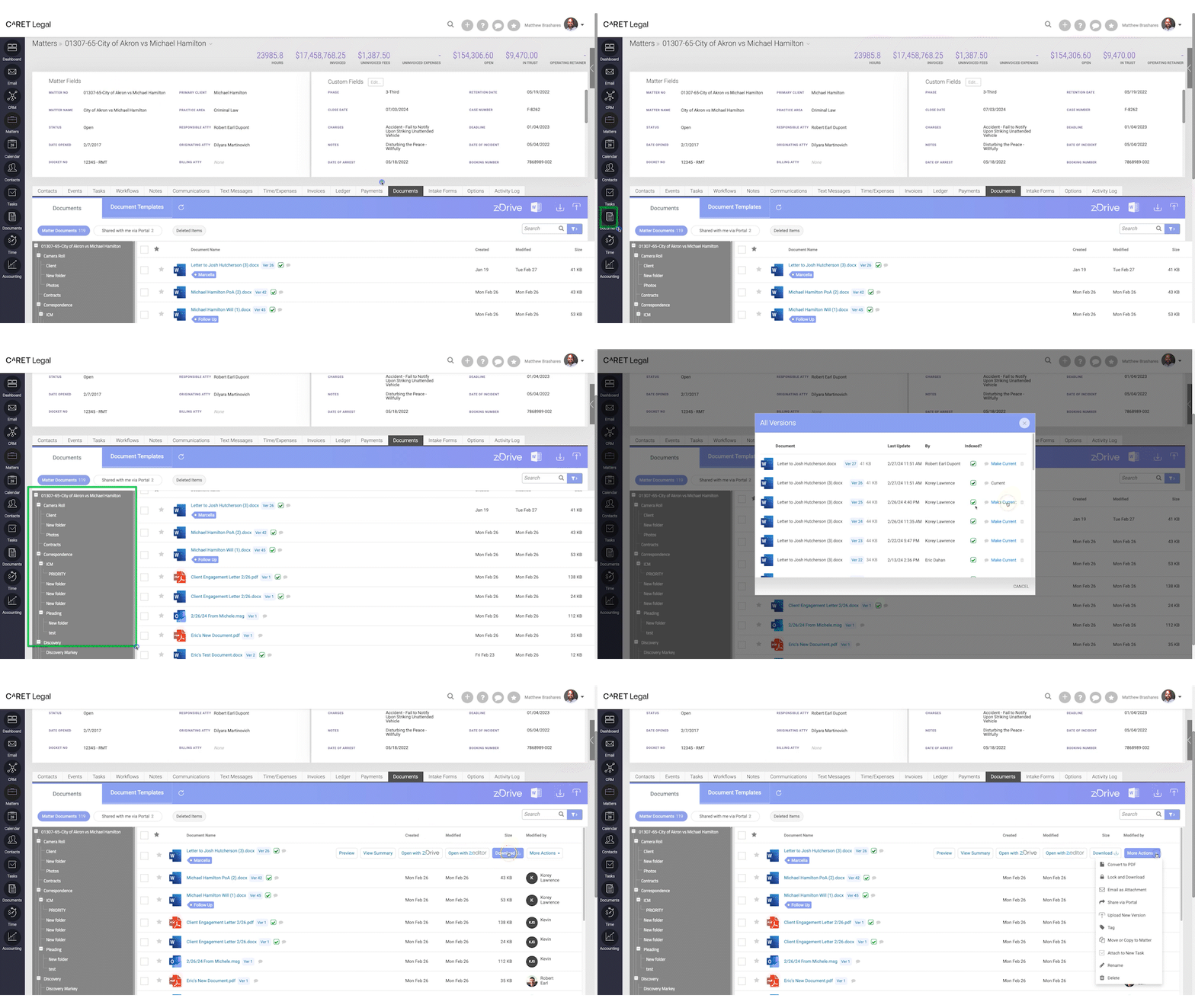
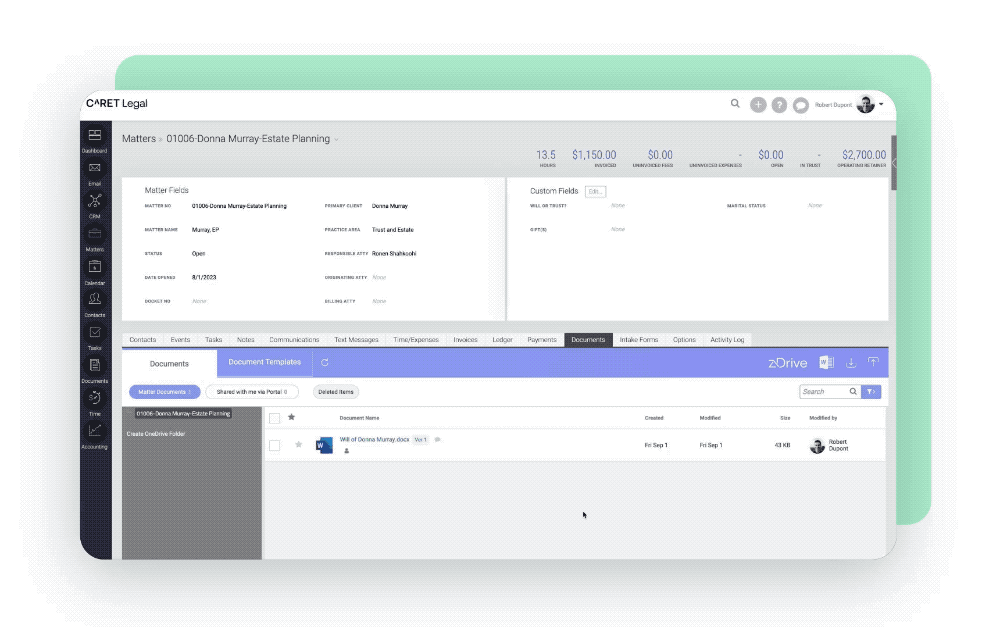
Legal document management software addresses these challenges by consolidating files into a single platform. With CARET Legal, firms can upload, download, and edit documents directly within a matter. Files can be associated with tasks or attached to client communications through the secure portal, helping staff understand the context of each file without switching tools.
By removing the friction between document access, task tracking, and client communication, legal teams can avoid many of the typical delays that come from disorganized file management.
Five Common Document Problems Solved by CARET Legal
Disorganization and time waste often stem from disconnected systems. CARET Legal helps solve these common legal document management issues:
- Misplaced or outdated versions: With documents tied to the relevant matter, everyone accesses the same source of truth.
- Confusing file structures: Centralized document storage reduces dependence on inconsistent folder hierarchies.
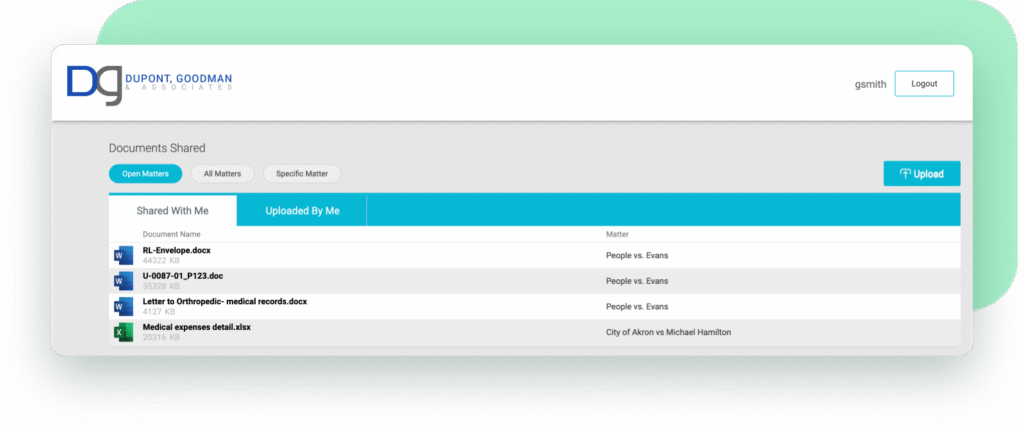
- Manual sharing steps: Documents can be shared through CARET Legal’s secure client portal, without downloading and re-uploading.
- No visibility into document workflows: Files can be linked to tasks and emails for clearer context.
- Overdependence on physical files: Digital storage makes remote access easier for hybrid and distributed teams.
How CARET Legal Centralizes Document Workflows
A legal document solution is only as effective as its integration with the broader workflow. CARET Legal combines document management with task assignments, calendar visibility, and client communication tools in one system. That integration creates smoother handoffs, fewer repeated steps, and a clearer overview of what work is complete or pending.
Here’s how document workflows align within CARET Legal:
| Function | CARET Legal Capability |
| Uploading & Organizing | Upload documents directly to a matter and organize them into folders |
| Version Control | Replace older versions in a single file location |
| Task Integration | Attach documents to tasks for reference and follow-up |
| Email Attachments | Include documents in outgoing emails from within the platform |
| Client Sharing | Share documents securely through the client portal |
Tips for Streamlining Daily Document Use
To get the most out of CARET Legal’s document management features, law firms can implement consistent internal habits:
- Upload documents to matters immediately to avoid local storage or email clutter
- Label files clearly with client name, matter type, and date
- Link key documents to the task or deadline they support
- Utilize AI-enabled document summaries to gather key takeaways and critical insights quickly
- Use the secure portal to send documents instead of relying on email attachments
Small improvements to consistency create smoother collaboration across attorneys, staff, and clients.
Why Better Document Management Supports Litigation Success
In litigation, delays are often driven by process gaps: missed filing deadlines, untracked document edits, or miscommunication between team members. CARET Legal helps litigation teams stay on top of tasks by linking documents directly to case activity. When teams don’t have to stop and search for files, they can respond faster and keep pace with court schedules.
According to the American Bar Association, strong process management supports more consistent client outcomes and improves legal service delivery. Document organization plays a central role in building these processes.
Litigation File Organization Checklist
For litigation-heavy practices using CARET Legal, these habits support consistency and reduce error:
- Create a task for every major court deadline and link required documents
- Store signed versions separately from drafts, using clear labels
- Maintain a single source of truth for pleadings, motions, and exhibits
- Use client portal sharing to deliver documents efficiently
Success depends on both legal strategy and execution. Good document management helps with both.
Less Time Managing, More Time Practicing
Document headaches are often a sign that larger workflows are disconnected. CARET Legal brings legal document management into the broader context of casework, helping small firms simplify the way they store, share, and act on files. Whether it’s sharing a signed agreement with a client or attaching a motion to a court filing task, documents remain part of the ongoing workflow.
Legal practice software management should reduce overhead, not create new complexity. CARET Legal helps firms bring document handling, client engagement, and legal operations into one workspace.
Request a free trial to see how CARET Legal can help your firm simplify document work and reduce daily friction across the team.